Omni-Reference Direction
Use images to anchor identity and style, video to guide movement and camera language, and audio to shape voice, rhythm, or atmosphere. Wan 3.0 reads those references together instead of forcing separate passes.
Try it NowBuild complete, sound-on video from text or guide the result with images, video, and audio. Wan 3.0 generates up to 30 seconds at 1080p while keeping characters, products, and scenes coherent across the shot.
Combine text, stills, clips, and audio in one creative brief, then render a longer story with native sound and stable visual continuity.
Use images to anchor identity and style, video to guide movement and camera language, and audio to shape voice, rhythm, or atmosphere. Wan 3.0 reads those references together instead of forcing separate passes.
Try it NowKeep two subjects, their appearance, action, and spatial relationship readable throughout a demanding sequence. First and last frames can also define exactly where the shot begins and ends.
Try it NowGenerate dialogue, music, ambience, and effects alongside the image. The official multilingual performance demonstrates synchronized voice, lip movement, rhythm, and a stable ensemble in one continuous output.
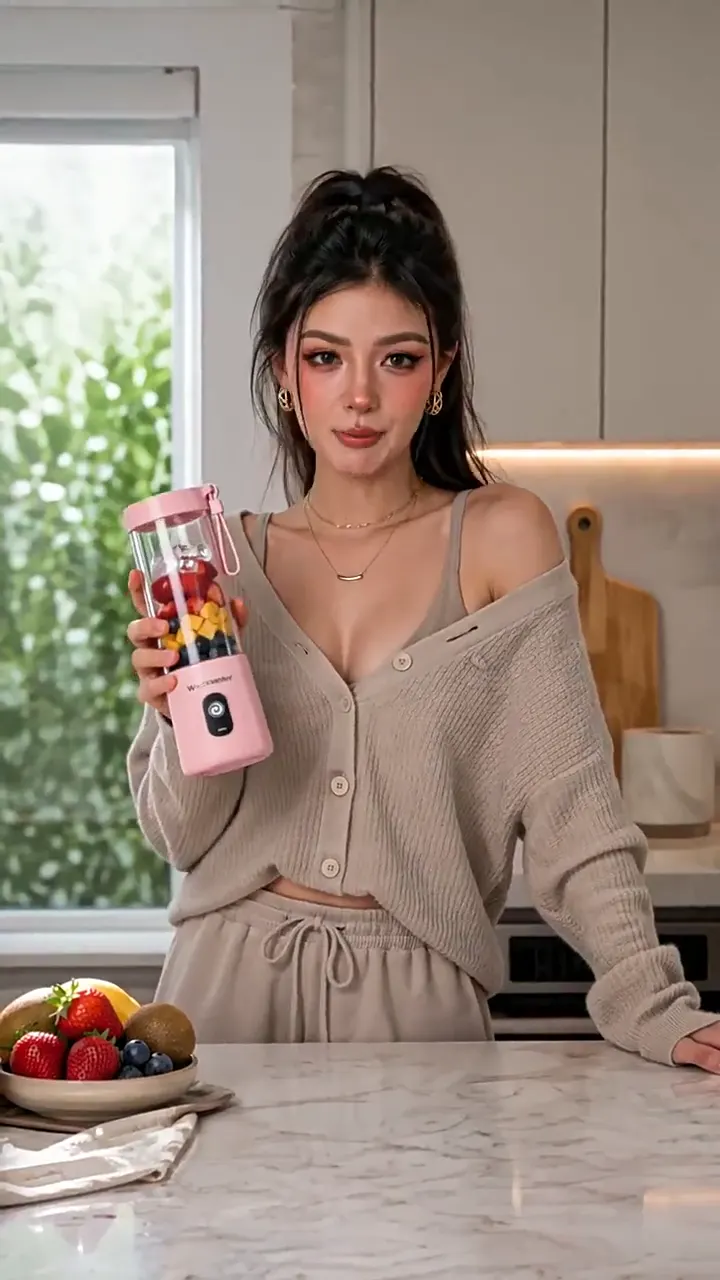
Try it NowTurn a product and presenter reference into polished vertical content without redesigning the item from shot to shot. Build UGC, product stories, social ads, and campaign concepts up to 30 seconds long.
Try it NowThree steps from a creative brief to a sound-on video.
Step 01
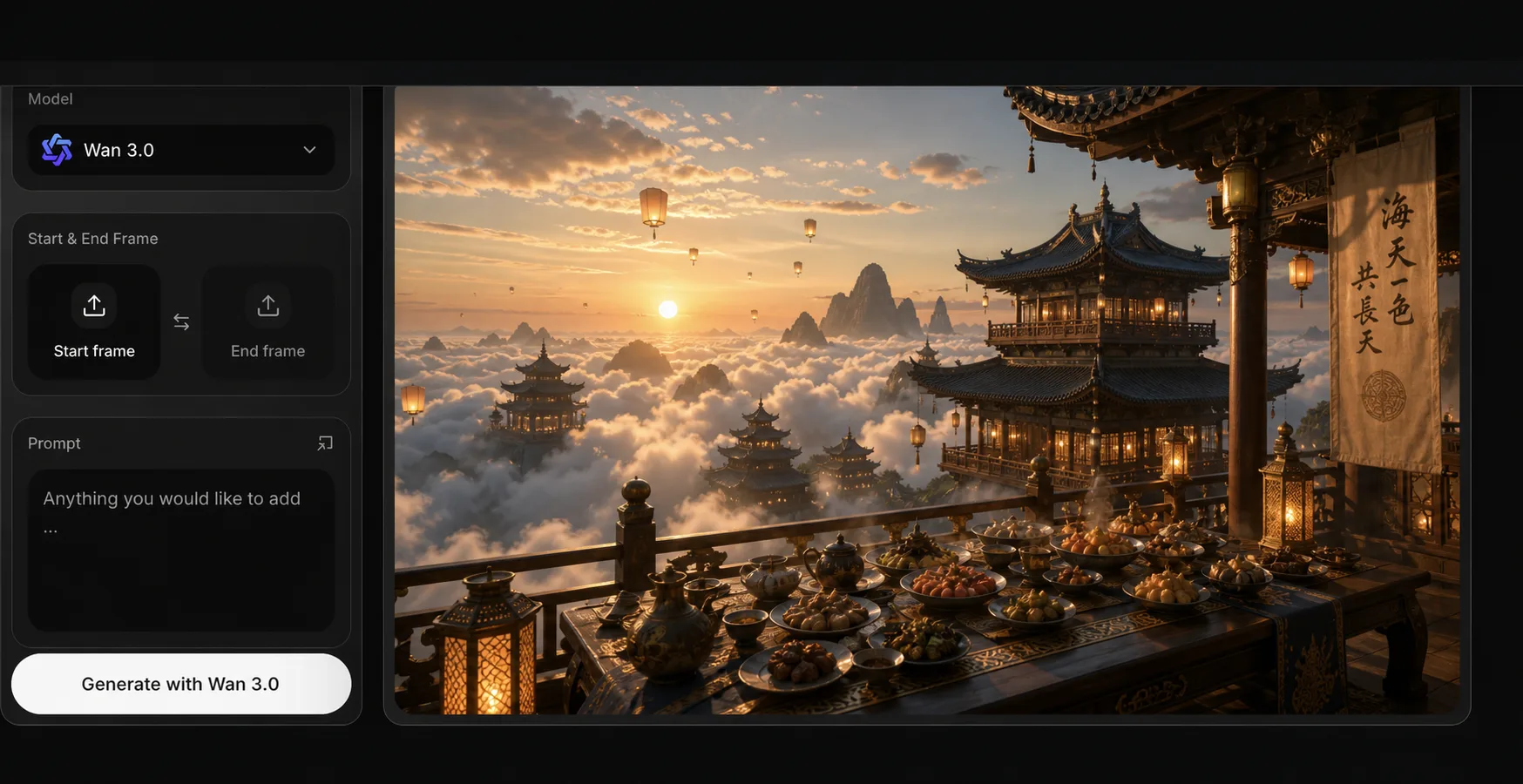
Open Spira’s video generator and select Wan 3.0. Choose 480p, 720p, or 1080p, set a 2–30 second duration, and select the aspect ratio that fits your channel.
Step 02
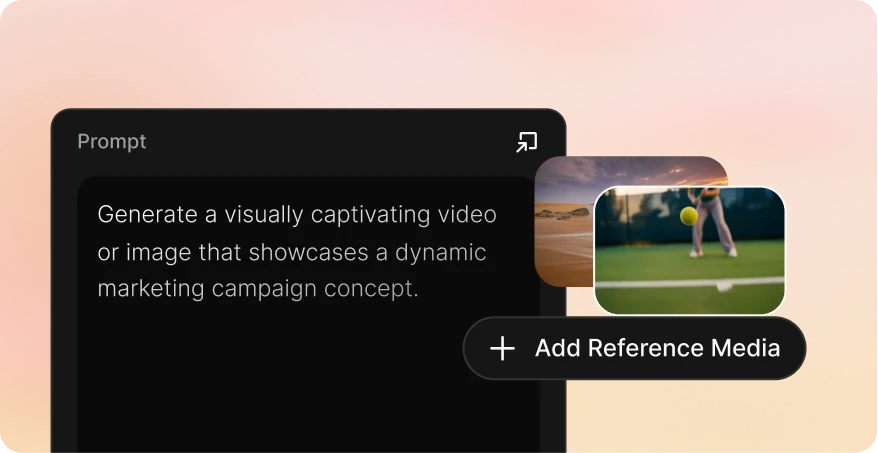
Start from text, add a first frame or first and last frames, or attach image, video, and audio references. Describe the subject, action, camera, lighting, pacing, and sound you want.
Step 03
Review continuity, audio synchronization, and how closely the output followed each reference. Refine the brief if needed, then download the strongest result.
| 价格 | |||||
| 起价 | 从 $9/month | 按量付费 | 从 $110/month | 从 $19/month | 从 $18/seat/month |
| GPT Image 2 | $0.03 | 不支持 | $0.55 | $0.35 | $0.2635 |
| Nano banana image | $0.01 | $0.04 | $0.55 | $0.1 | $0.047 |
| Seedance2.0 Video, 720P | $0.15/s | $0.30/s | $0.66/s | $0.59/s | $0.21/s |
| Veo3.1, 720p | $0.06/s | $0.20/s | $1.37/s | $0.07/s | $0.48/s |
| Gemini Omni Video, 720 P | $0.06/s | 不支持 | 不支持 | 不支持 | 不支持 |
| Kling 3.0 | $0.06/s | $0.084/s | $0.8/s | $0.086/s | $0.105/s |
Wan 3.0 supports text-to-video, a single first frame, first and last frames, and multimodal reference generation from images, videos, and audio. Spira does not currently expose the separate document or webpage inputs shown in some Alibaba Cloud demonstrations.
Choose any whole-second duration from 2 to 30 seconds. Output is available at 480p, 720p, or 1080p in adaptive, 16:9, 4:3, 1:1, 3:4, or 9:16 framing.
Yes. Native audio is on by default and can include speech, music, ambience, and sound effects generated with the picture. You can turn sound off before submitting.
Reference mode accepts up to 10 images, 5 videos, and 5 audio clips. Reference videos may total up to 15 seconds, and reference audio may total up to 15 seconds.
Yes. Add one image for first-frame generation or choose the start-and-end-frame workflow and attach exactly two images. Frame mode and ordinary reference mode are separate, so they cannot be mixed in one job.
Wan 3.0 is charged only for output duration at the selected resolution; reference inputs are free. Spira shows the exact whole-credit estimate before generation, and native sound does not change the rate.