Detailed Image Generation
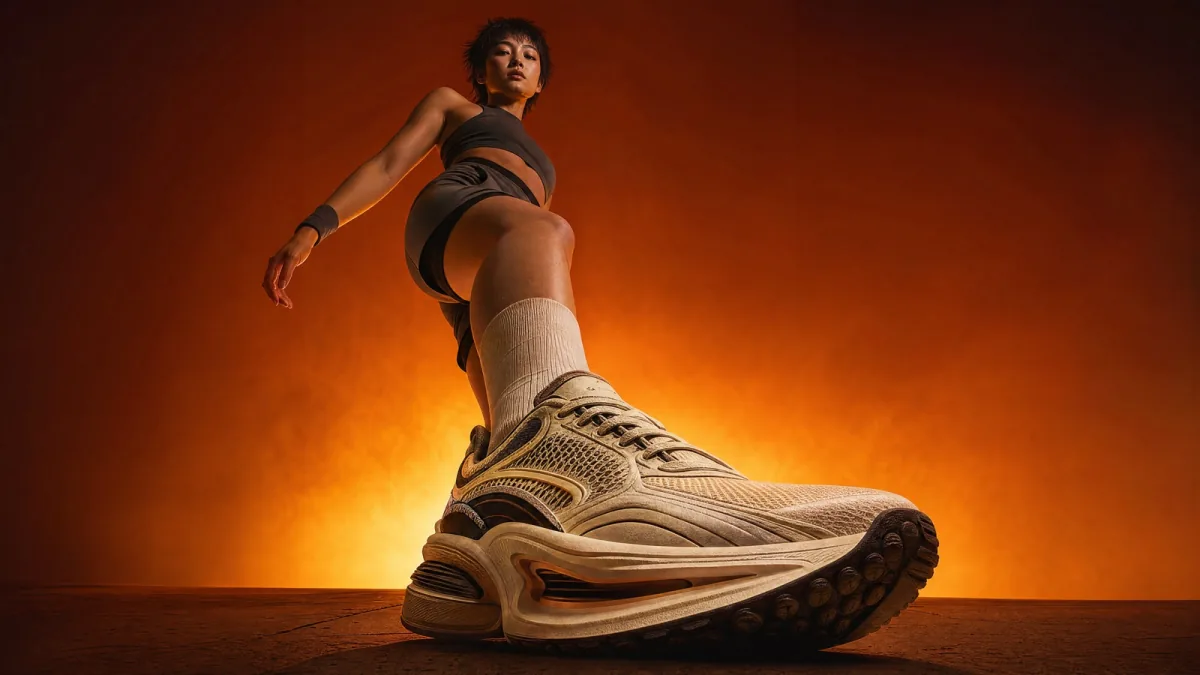
Translate a rich creative brief into a finished visual with considered lighting, materials, depth, and atmosphere. Move from an abstract idea to a concrete image in one workflow.
Try it NowCreate detailed, editable visuals with GPT Image 2. Turn prompts and reference images into campaign concepts, product scenes, and social-ready creative inside Spira.
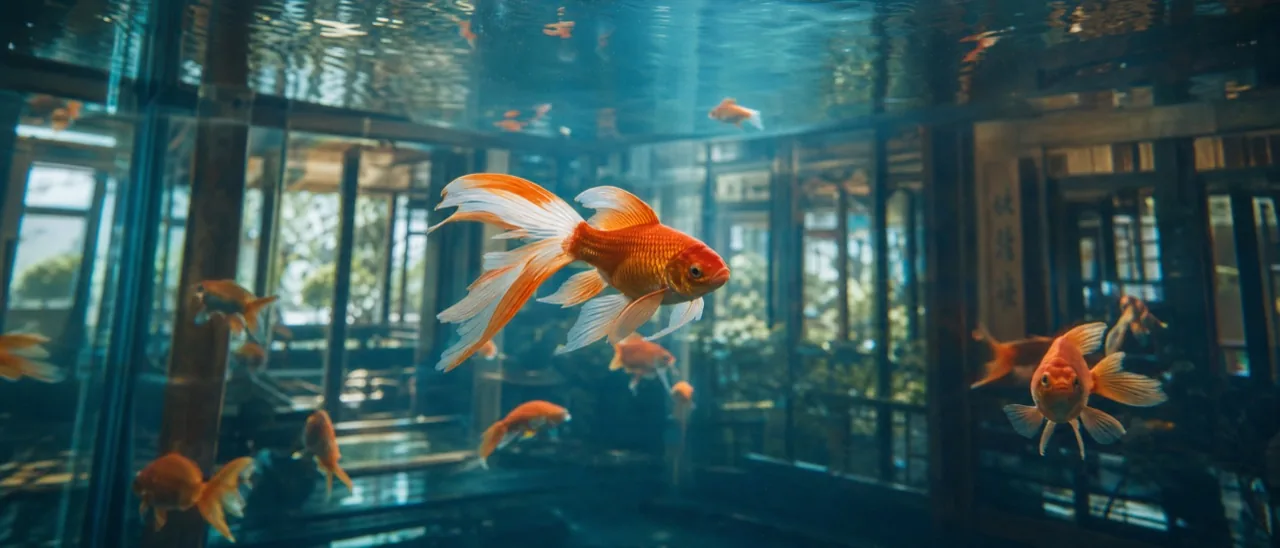
Turn detailed prompts and visual references into composed, editable images for campaigns, products, and social content.
Translate a rich creative brief into a finished visual with considered lighting, materials, depth, and atmosphere. Move from an abstract idea to a concrete image in one workflow.
Try it Now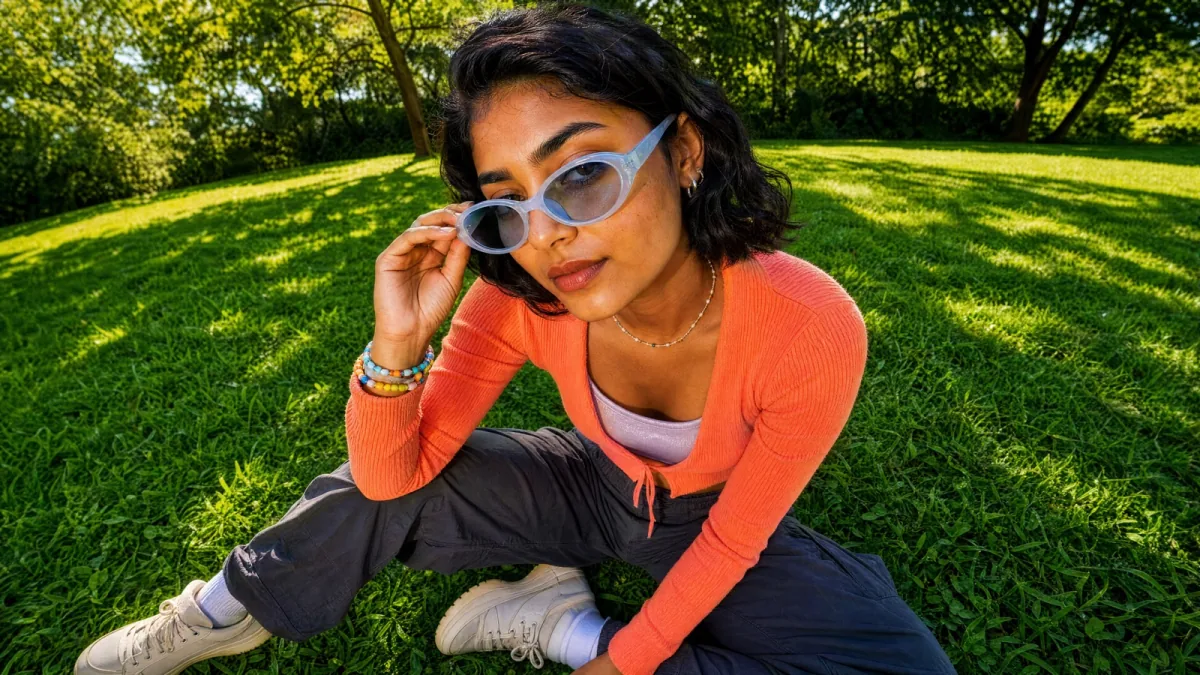
Ask for a targeted change in plain language. Refine objects, backgrounds, styling, and composition while keeping the overall creative direction intact.
Try it Now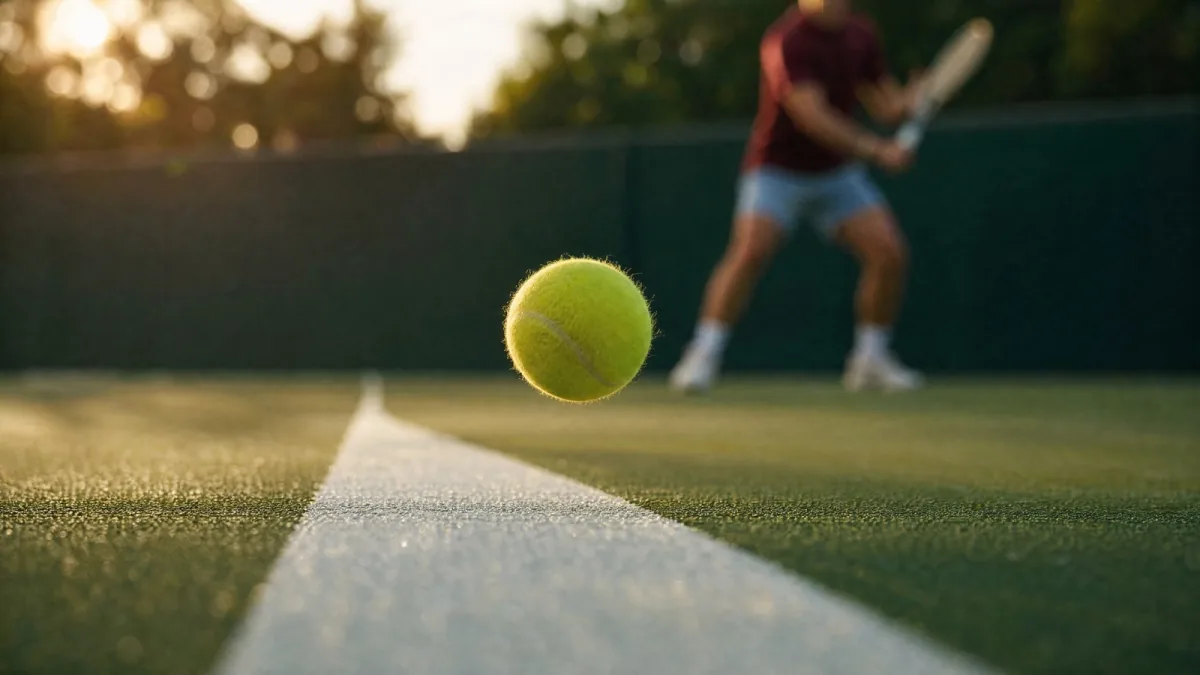
Create visuals with clear focal points and room for campaign messaging. Shape how products, people, and supporting details work together inside the frame.
Try it Now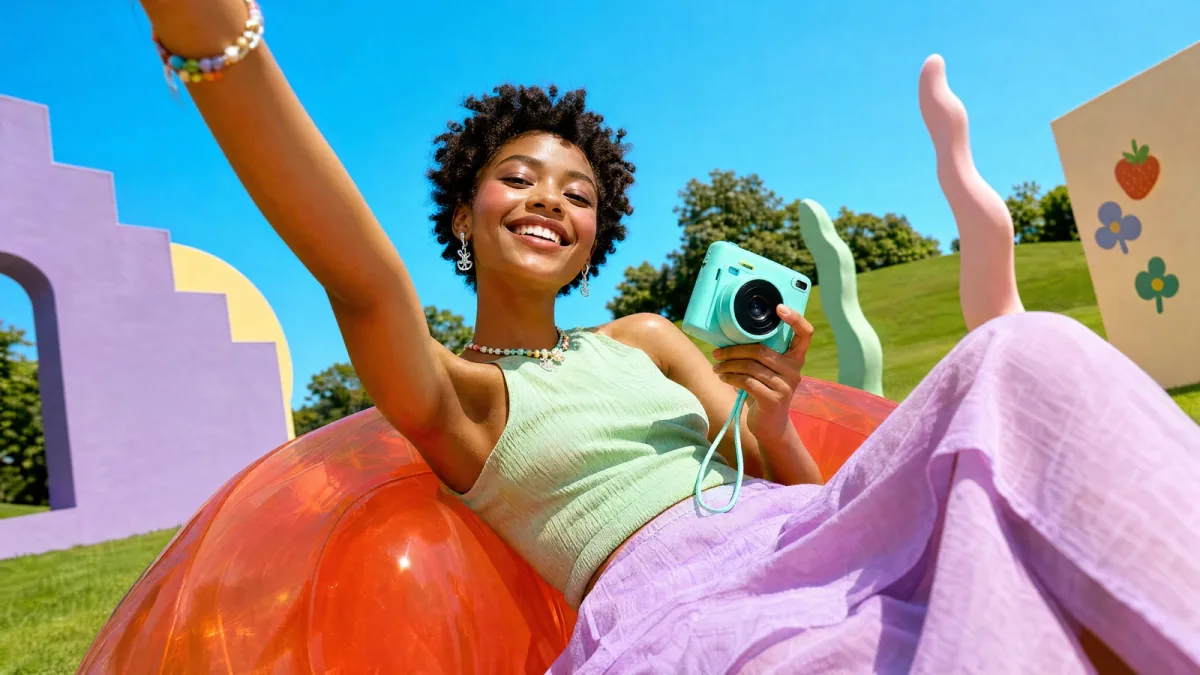
Use source images to communicate mood, palette, subject, or brand cues. Keep the output connected to your reference while developing a fresh visual execution.
Try it Now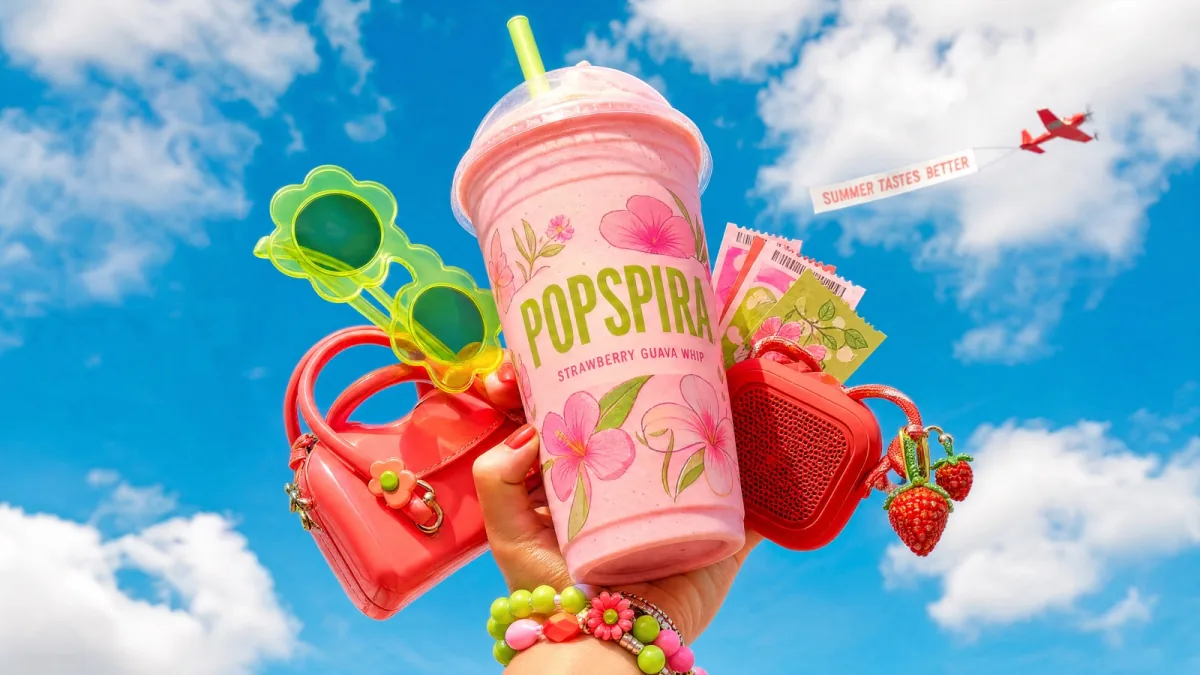
Turn one strong concept into a family of related images for feeds, stories, ads, and experiments. Keep the campaign recognizable while adapting the format and emphasis.
Try it NowThree steps to a detailed, campaign-ready AI image.
Step 01
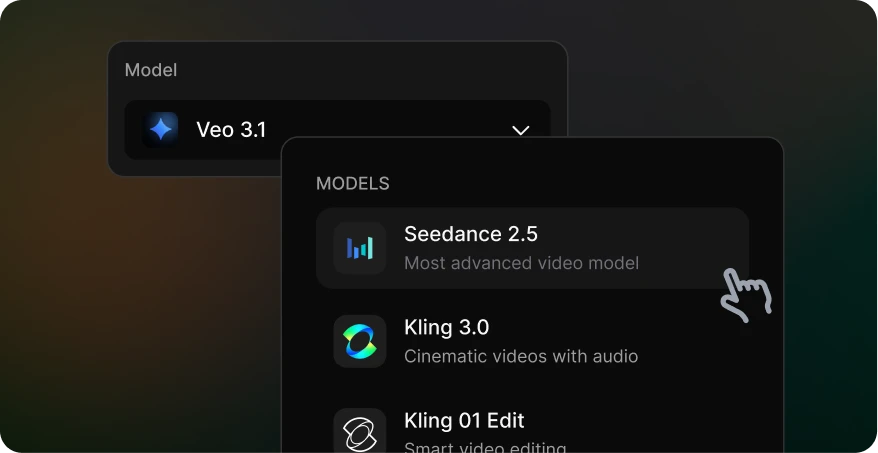
Open Spira’s image generator and select GPT Image 2. Define the purpose, format, and focal point of the visual before writing the full brief.
Step 02
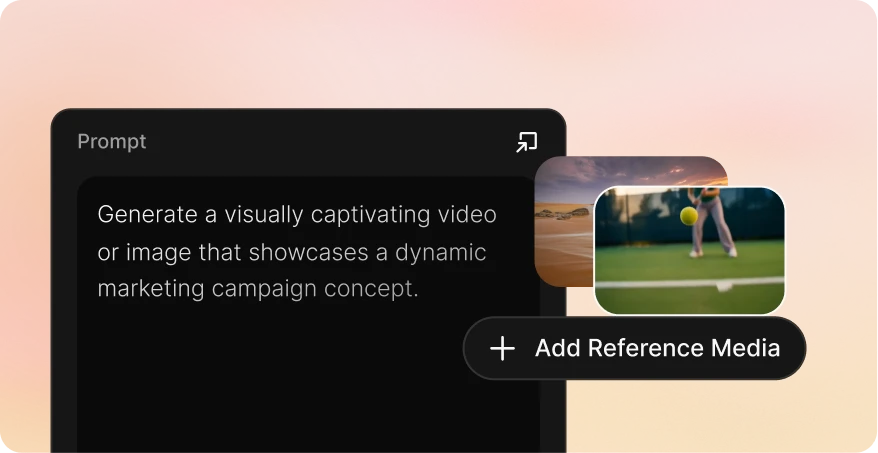
Set the subject, composition, environment, lighting, palette, mood, and intended placement. Add references for brand or visual direction when useful.
Step 03
Generate the image, review layout and important details, make targeted edits in plain language, then download the final asset for your campaign.
| 价格 | |||||
| 起价 | 从 $12/month | 按量付费 | 从 $110/month | 从 $19/month | 从 $18/seat/month |
| GPT Image 2 | $0.03 | 不支持 | $0.55 | $0.35 | $0.2635 |
| Nano banana image | $0.01 | $0.04 | $0.55 | $0.1 | $0.047 |
| Seedance2.0 Video, 720P | $0.07/s | $0.30/s | $0.66/s | $0.59/s | $0.21/s |
| Veo3.1, 720p | $0.06/s | $0.20/s | $1.37/s | $0.07/s | $0.48/s |
| Gemini Omni 1.1 Flash, 720 P | $0.06/s | 不支持 | 不支持 | 不支持 | 不支持 |
| Kling 3.0 | $0.06/s | $0.084/s | $0.8/s | $0.086/s | $0.105/s |
GPT Image 2 can create detailed campaign visuals, product scenes, social creative, concept art, and other images from a written brief. It can also use a reference image as the starting point for a new direction.
Yes. Upload a reference image and describe the specific change you want, such as a new setting, composition, object, lighting treatment, or visual style. Be explicit about the elements that should remain unchanged.
Include enough information to define the subject, environment, composition, lighting, palette, mood, and intended use. A structured creative brief is usually easier to refine than a long list of unrelated adjectives.
Yes. You can create concepts for posts, advertisements, product storytelling, and campaign variations. Review the output for brand accuracy, product details, and any platform-specific requirements before publishing.
GPT Image 2 is priced per generation based on the selected model settings. The comparison table provides a benchmark across platforms, while Spira shows the applicable cost in the generation workflow.