
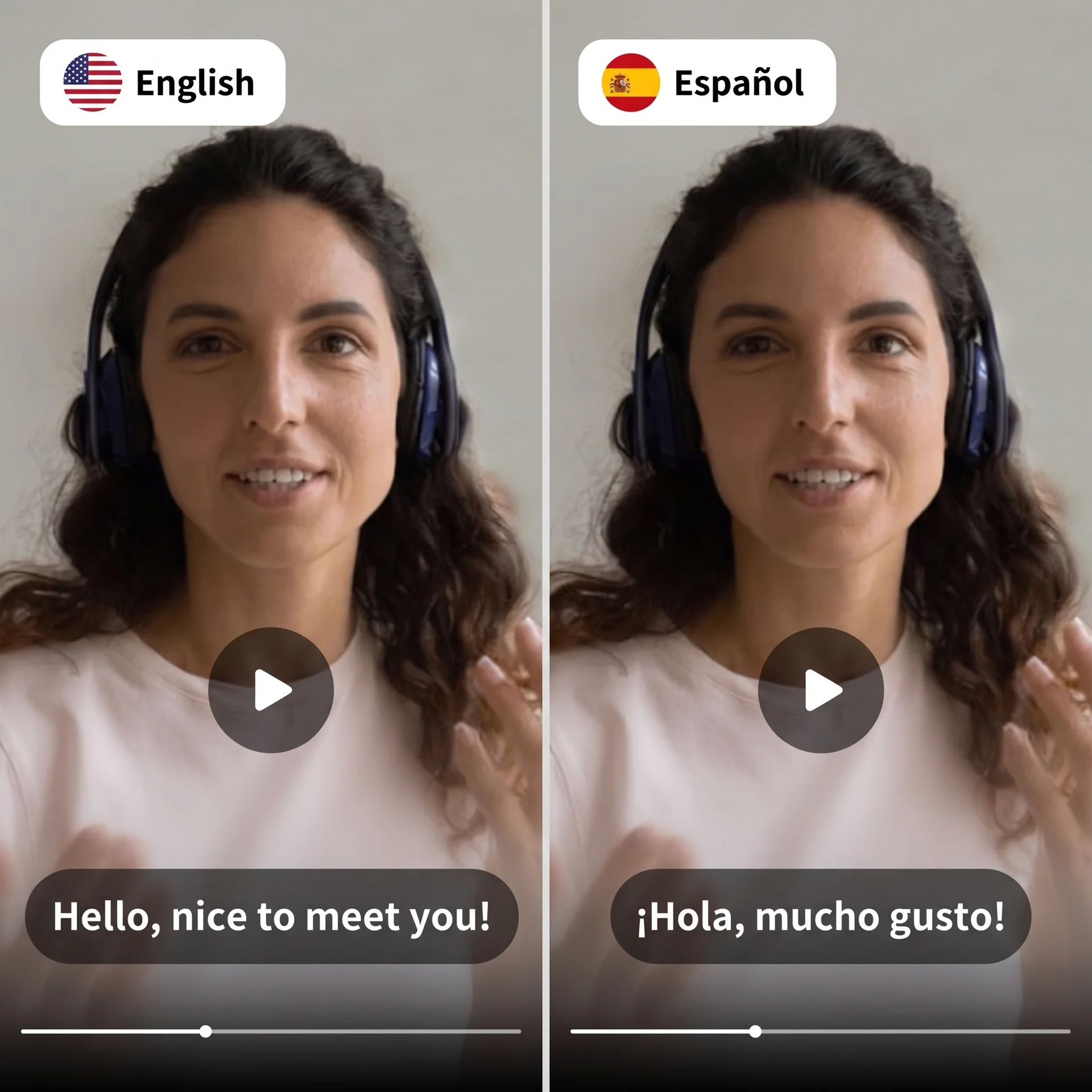

Create another language version without recording the whole video again. Choose one of 12 target languages and decide whether to replace only the voice or synchronize the speaker's lips, then add an MP4, MOV or WebM source.
Plan your translation
Start with the target language and the type of synchronization your footage needs. Paste a direct video-file URL, upload a file or choose a video from Projects.
Choose the synchronization mode that best fits your footage, then add the source video.
Start the configuration on this page, then continue in the full workspace with your draft ready to refine. Add any required media, review the remaining choices and create when ready.
Enter the decisions that shape your result, such as the script, format, language or editing style.
Review the draft, adjust the format and shape the result around your intended audience.
Add any remaining media or controls, review the final inputs and create your result.
Simple tools, clear results, no unnecessary steps
Voice only replaces the speech without changing mouth movement. Lip sync suits one speaker facing camera, while Lip Sync Pro is designed for speaker changes and camera cuts.
Use an MP4, MOV or WebM file from one second to eight minutes and up to 2 GB. Upload it, select an existing Projects video or supply a direct file URL.
Text and selected options carry into the full tool, so you can keep refining the same idea.
Media uploads, previews and detailed creative choices stay in the dashboard where the complete tool can support them.
Keep the setup focused on your message, format and creative direction before creating the final result.
AI video dubbing combines speech detection, translation and a replacement voice track so you do not have to record every market version from scratch. Clear speech, limited overlap and balanced background sound give the system cleaner material to translate.
Automated dubbing can misinterpret names, product terms and specialist language, so review the final result before publishing. Use Voice only when unchanged lip movement is acceptable, Lip sync for one presenter facing camera and Lip Sync Pro for speaker changes or camera cuts.
Upload an MP4, MOV or WebM file, select an existing video from Projects, or paste a direct video-file URL. The source must be one second to eight minutes long and no larger than 2 GB. YouTube and Google Drive imports are not currently supported.
Choose Voice only when replacing speech is enough. Use Lip sync for one presenter facing camera. Choose Lip Sync Pro when the video includes multiple speakers, speaker changes or camera cuts.
Credit use depends on the source duration and selected dubbing mode. The full tool displays the per-minute rate for Voice only, Lip sync and Lip Sync Pro before you submit.
Open the full workspace with the draft you started here, review the remaining creative choices and create when the setup is right.