Spira AI
Pricing
  • AI Influencer
  • Content Workflows
  • Warmed TikTok Accounts
  • Social Publishing
  • Content Calendar
  • Social Media Analytics
  • AI Video & Image
  • Content Creators
  • Product Hunt Makers
  • AI Avatar Video
  • Script to Video
  • AI Clips
  • Video Translator
  • Text to Speech
  • URL to Video
  • YouTube Downloader
  • TikTok Downloader
  • Instagram Downloader
  • X Downloader
  • Facebook Downloader
  • AI Models: Seedance 2.5
  • AI Models: Seedance 2.0
  • AI Models: Kling 3.0
  • AI Models: Nano Banana Pro
  • AI Models: GPT Image 2
  • Blog: All
  • Blog: AI Influencer
  • Blog: Social Media Automation
  • Blog: AI Marketing Automation
  • Pricing
Book Demo
LinkedInXTikTokInstagramYouTube
Privacy PolicyTerms of Service

Spira Team

About UsContact Us

Features

AI InfluencerSocial PublishingContent CalendarSocial Media AnalyticsUGC AdsBrand Voice AI

AI Models

Seedance 2.5NewSeedance 2.0Nano Banana ProKling 3.0GPT Image 2

Compare

Spira vs ArcadsSpira vs Fal.aiSpira vs HiggsfieldSpira vs FloraSpira vs PostizSpira vs CapCut

Get Started

Talk to SalesPricingSocial Media AutomationSpira for Product Hunt
Featured on There's An AI For That

© 2026 Spira Lab Inc. All rights reserved.

MiniMax H3MiniMax H3

Create AI video from a prompt or guide it with images, video, and audio in the same request. MiniMax H3 generates up to 15 seconds at 2K with native stereo sound and precise multimodal control.

Key Features of MiniMax H3

Direct text, image, video, and audio inside one creative context, render up to 2K with sound generated alongside the picture, and keep type and detail legible all the way through.

Unified Multimodal Context

H3 reads text, stills, clips, and audio as one brief rather than four separate inputs. Give each asset a job — take the camera move from this video, the face from this image, the vocal from this track — and it works out how they fit together.

Try it Now
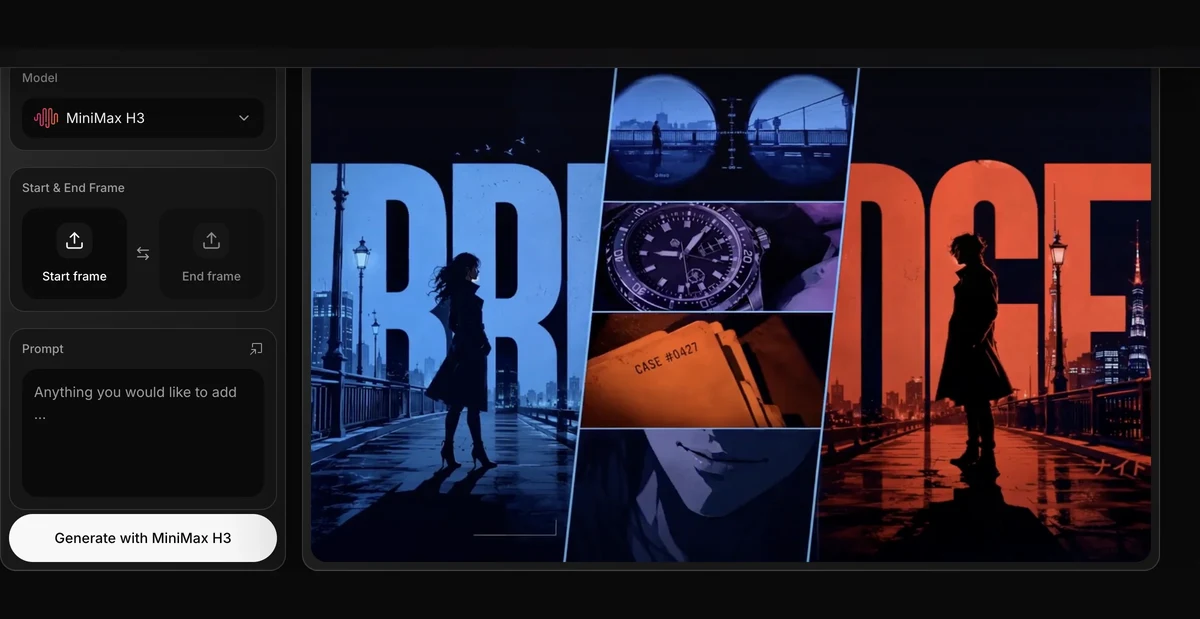
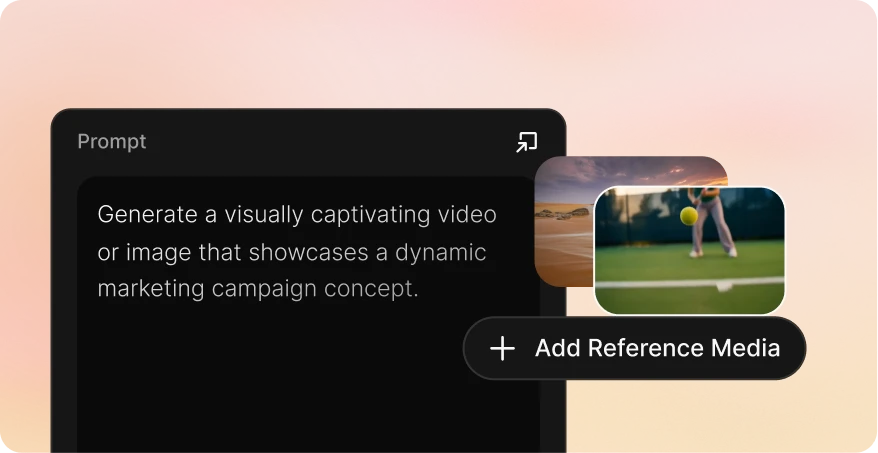
Native 2K Video with Stereo Sound

Picture and stereo audio come out of the same pass, so dialogue, music, room tone, and effects land with the action instead of being timed to it afterwards. Up to 15 seconds, up to 2K, six aspect ratios including 21:9.

Try it Now

Type, Titles, and Interface Detail That Survive the Render

Labels, credits, signage, packaging, and UI copy come back readable instead of smeared into lettering-shaped noise. That is the difference between a clip you can put in front of a client and one you have to reshoot.

Try it Now

Commercial-Grade Creative Control

Shot order, timing, transitions, camera movement, and the details that must not drift all belong in the brief. H3 responds to what you rule out as reliably as to what you ask for, which is what makes a second take worth running.

Try it Now

How to Use MiniMax H3 on Spira

Three steps to your first multimodal AI video.

  1. 1

    Step 01

    Choose Your Preferred Model

    Open Spira’s video generator and select MiniMax H3. Pick your duration, aspect ratio, and either 768p or 2K output.

    Spira video generator with MiniMax H3 selected
  2. 2

    Step 02

    Add References and Direct the Shot

    Attach reference images, a reference video, or a reference audio track, then describe the subject, action, camera movement, lighting, and pacing.

    Prompt and reference media controls in the Spira generator
  3. 3

    Step 03

    Generate, Review, and Export

    Generate the clip, check how closely it followed your references, refine the direction if needed, then download the strongest result.

    Finished MiniMax H3 clip previewed in Spira

Compare across

Spira Plans
Pricing
Starting priceFrom $9/monthPay as you goFrom $110/monthFrom $19/monthFrom $18/seat/month
GPT Image 2$0.03Not supported$0.55$0.35$0.2635
Nano banana image$0.01$0.04$0.55$0.1$0.047
Seedance2.0 Video, 720P$0.15/s$0.30/s$0.66/s$0.59/s$0.21/s
Veo3.1, 720p$0.06/s$0.20/s$1.37/s$0.07/s$0.48/s
Gemini Omni Video, 720 P$0.06/sNot supportedNot supportedNot supportedNot supported
Kling 3.0$0.06/s$0.084/s$0.8/s$0.086/s$0.105/s

Frequently asked questions about MiniMax H3

  • H3 is a general-purpose multimodal model that connects text, images, video, and audio in one context. It can generate video and native stereo sound together, follow detailed creative instructions, transfer motion from video, and make reference-driven changes without splitting those jobs across separate models.

  • Up to 9 reference images, 3 reference videos, and 3 reference audio clips, with a combined limit of 12 items. Reference videos and audio clips must each be 2 to 15 seconds long, and audio cannot be the only reference.

  • Yes. One image can define the first frame, two images can define the first and last frames, and a reference video can guide motion, camera language, timing, or a targeted transformation. In multimodal reference mode, images can also define identity, products, or visual style instead of acting as frames.

  • Yes, through a reference generation rather than a separate edit mode. Attach the clip as a reference video and describe only what should change — a character, a costume, a background, the lighting — and leave the rest of the brief alone. The reference clip must be 2 to 15 seconds, and its length is added to what the job costs.

  • Clips run from 4 to 15 seconds at 768p or 2K, in 21:9, 16:9, 4:3, 1:1, 3:4, or 9:16. When you generate from references, the output can also follow the references’ own aspect ratio automatically.

  • Cost is based on the output resolution and the length of the clip, and reference videos add their own duration to the total. Spira shows the credit cost for your exact settings before you generate.